
One home for your whole household.
A family organizer for shared calendars, grocery lists, chores and meal planning — with an assistant that keeps everyone in sync.
Get the mobile app
The web app is live too — nothing to install if you'd rather not.


Capture. Coordinate. Brief.
No more switching between five separate apps or asking whose turn it is. Everything runs through one calm, connected rhythm.
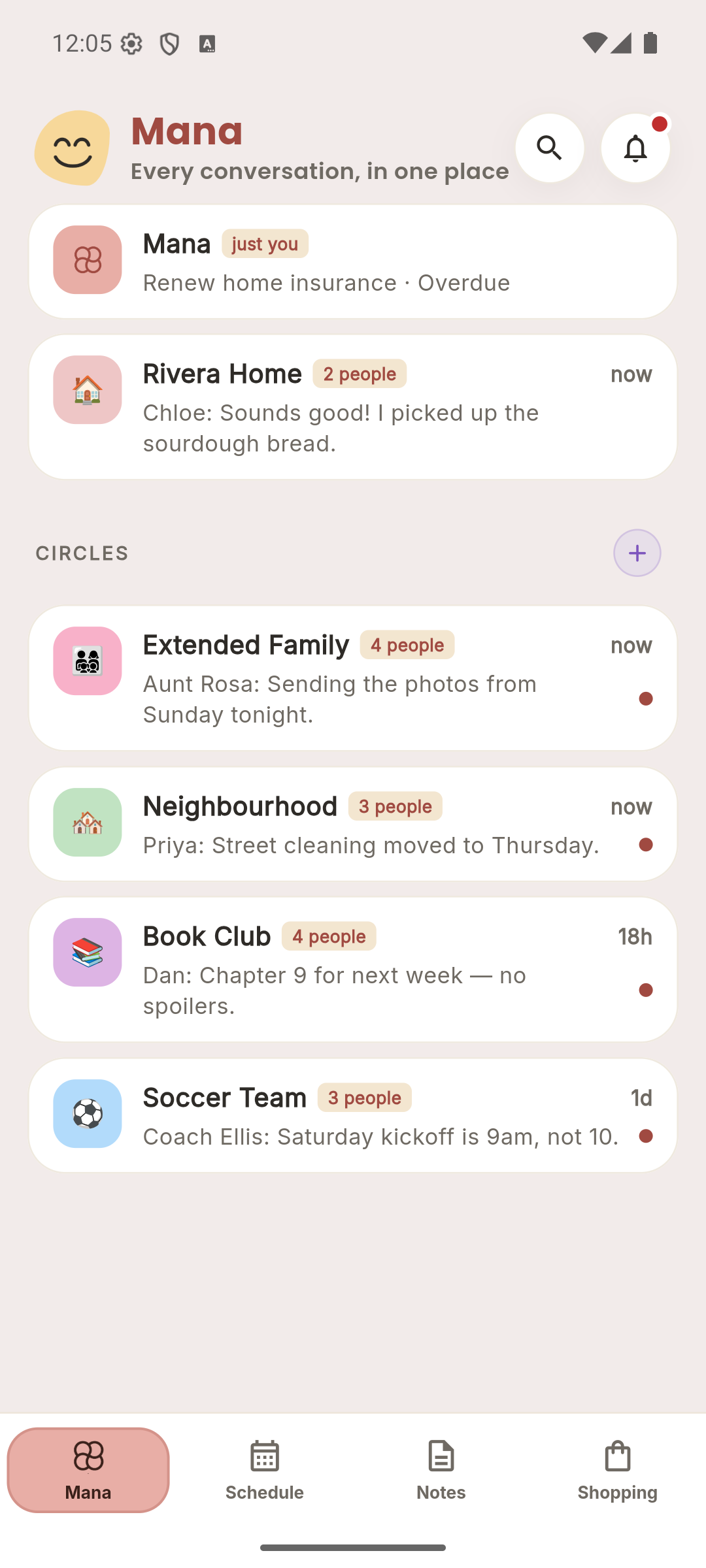
One inbox for every conversation
A quiet assistant that knows your home, coordinates tasks, and keeps extended circles safely separated.
Private by structure
Your personal Mana thread is strictly yours — admins and family members cannot see your private notes or chats.
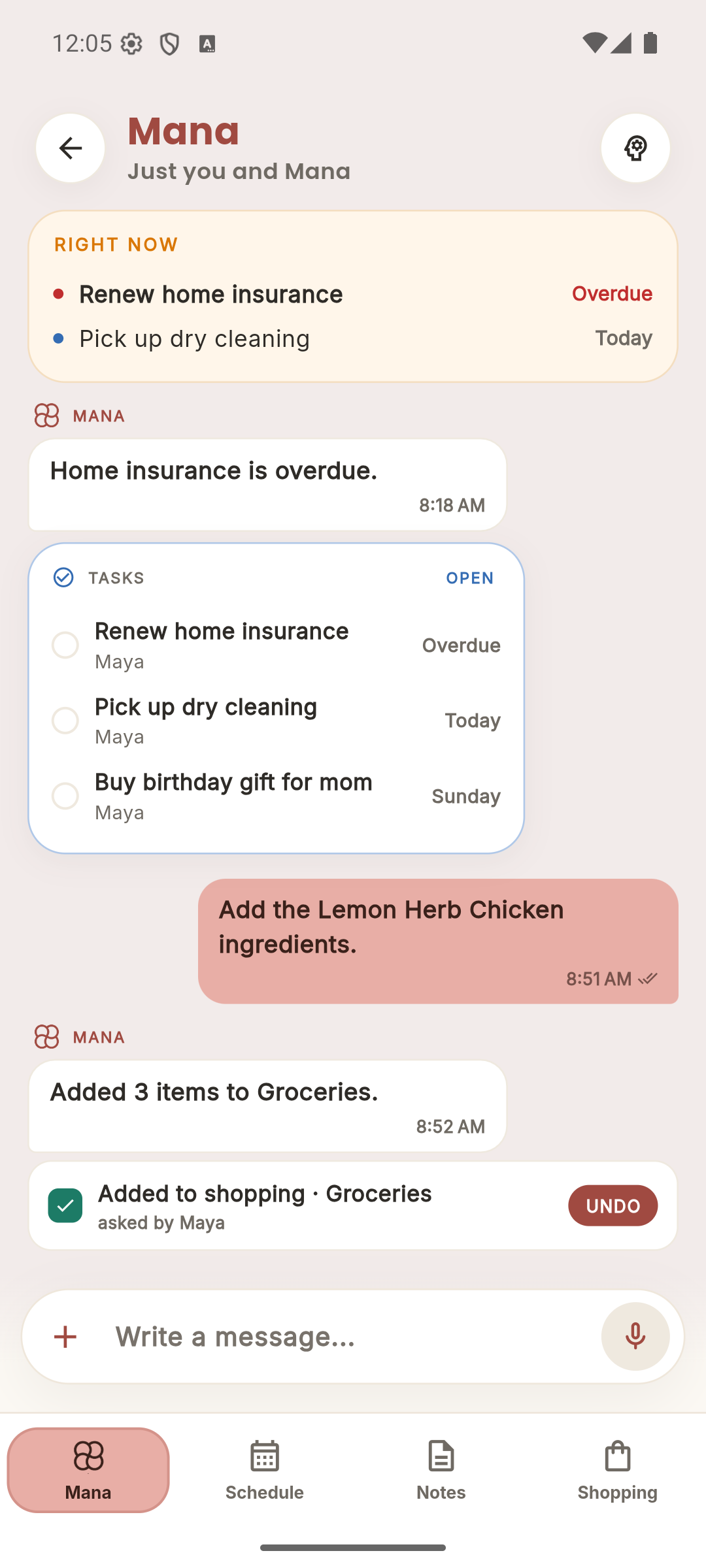
Shared household thread
One place where everyone in Rivera Home can speak with each other or ask Mana for help.
Safe extended circles
Book club, sports teams, and grandparents get their own circle, isolated from the rest of your home.
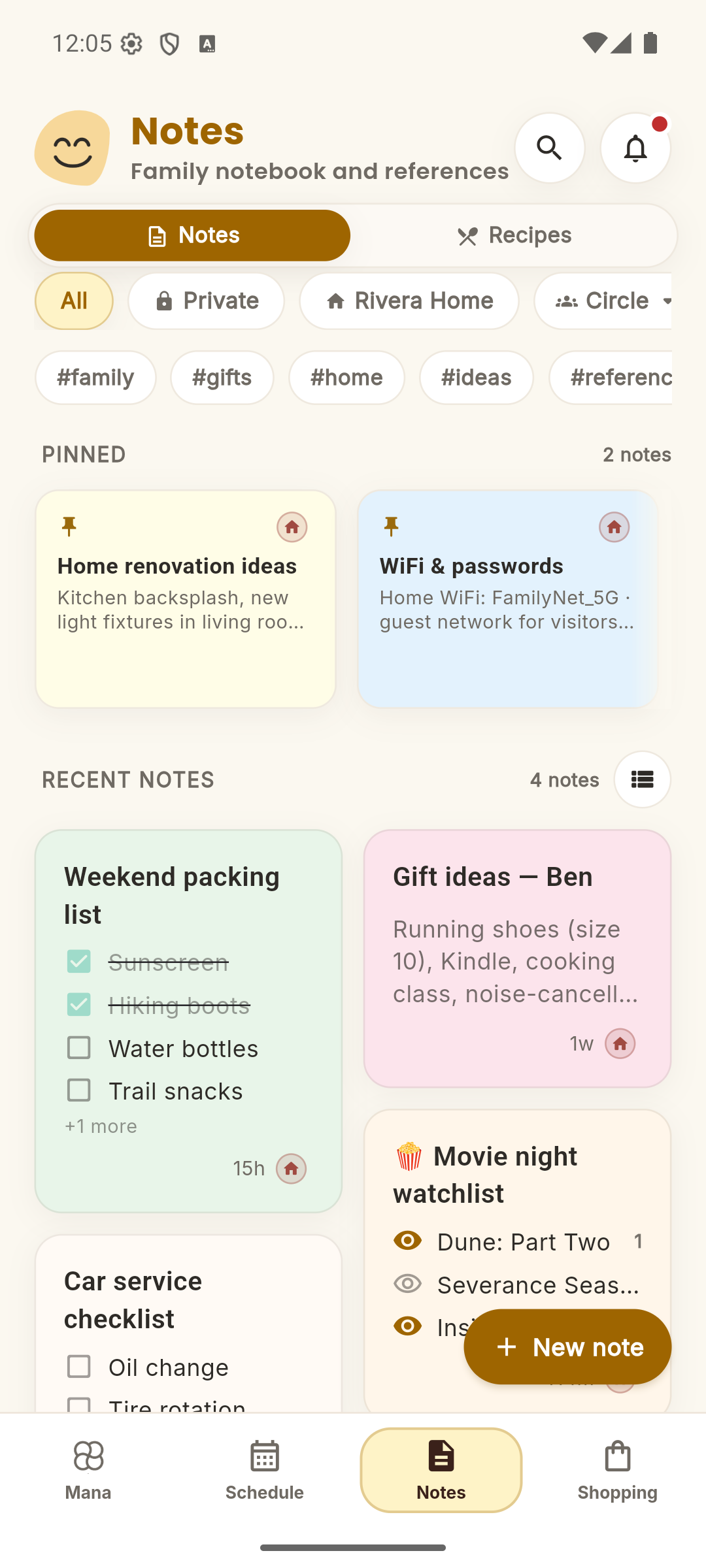
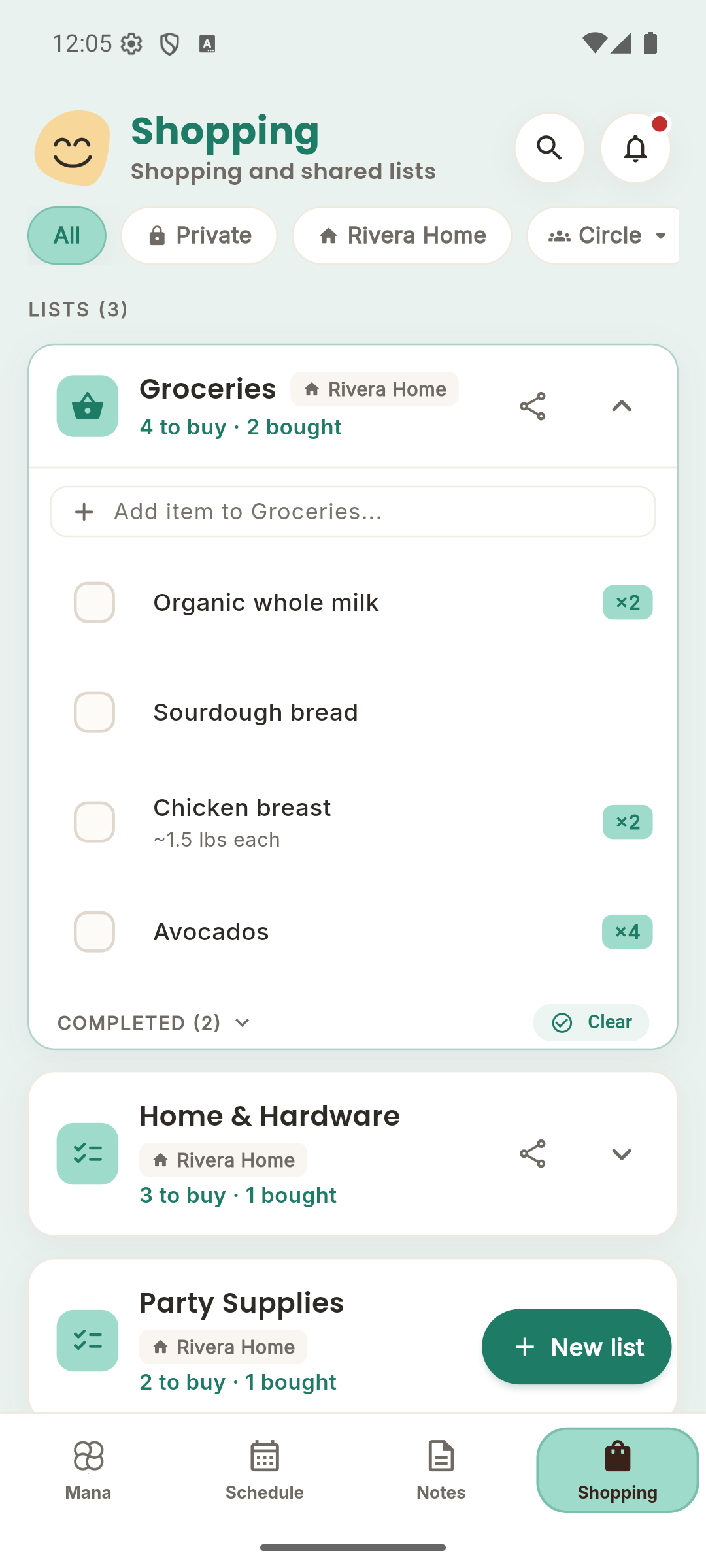
Start with the thing you share every day.
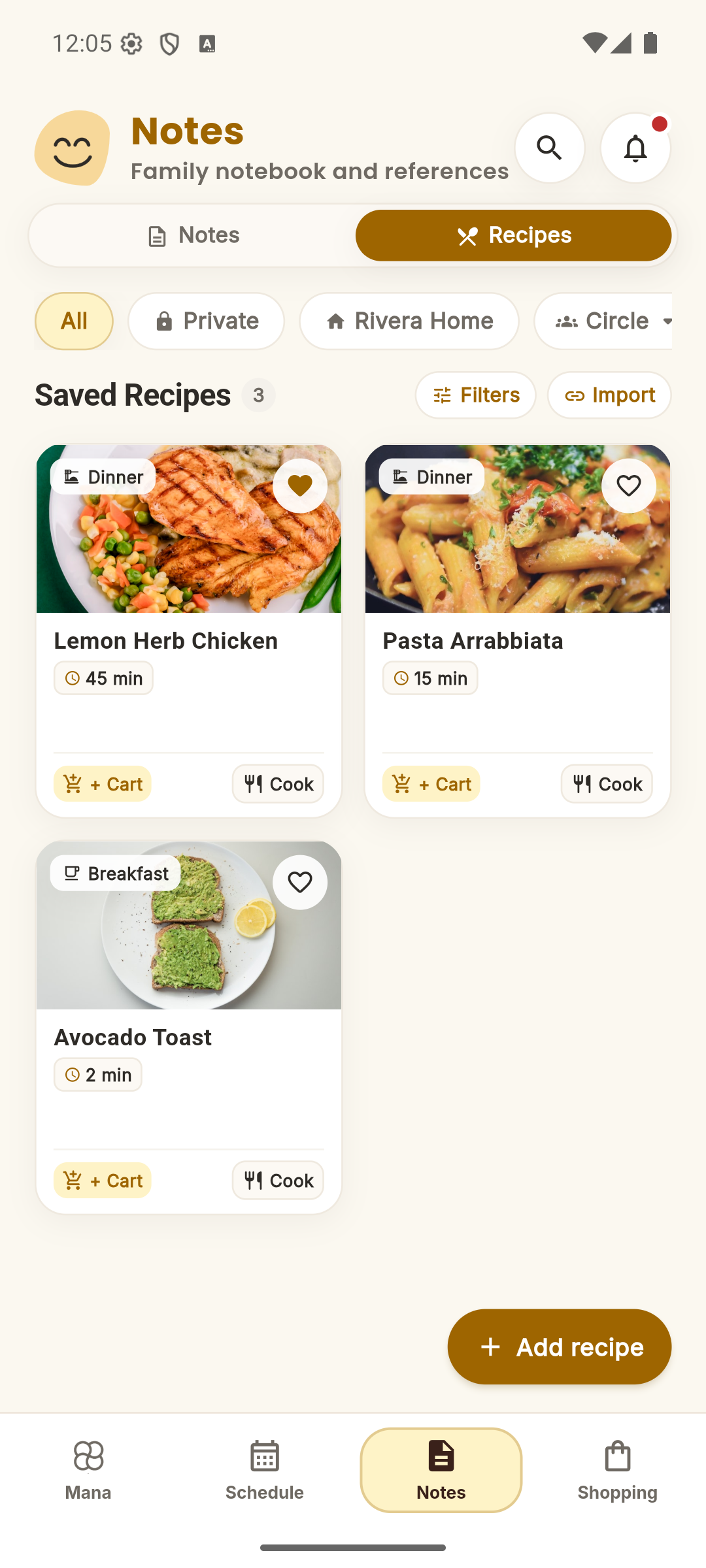
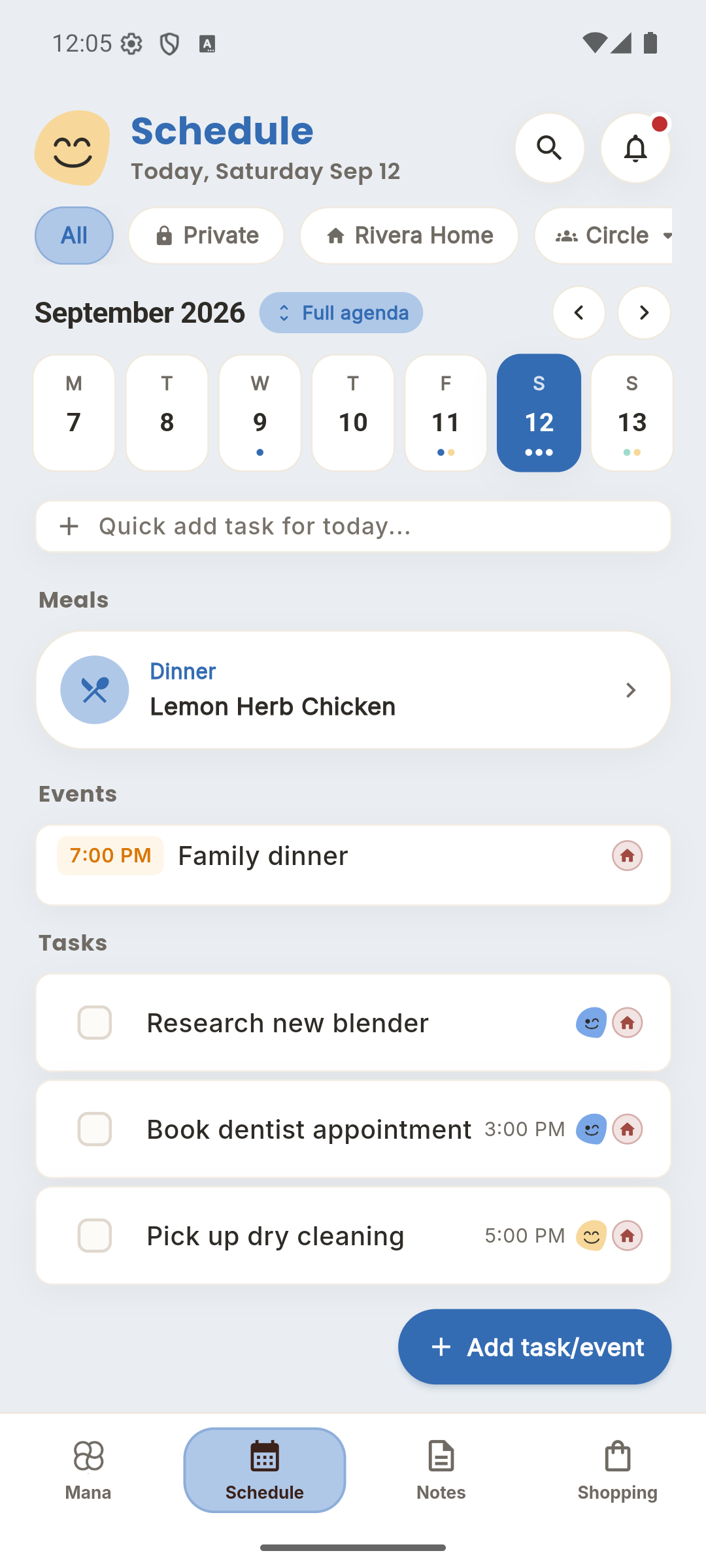
One grocery run, one busy week, one dinner plan. Make that easier first.
Capable when you ask it. Careful always.
Mana is built on a simple promise: your family's information belongs to your family — and the assistant works for you, never around you.
A private space no one can read
Every person gets their own Private Circle — notes, drafts, and conversations that guardians, household owners, and even admins cannot open. Privacy is enforced by the system itself, not by hiding things behind menus.
It asks before it acts
Mana can draft plans and coordinate items freely — but for consequential steps (like deleting shared items or modifying circle access) it shows you exactly what it intends to do and waits for your confirmation. Reversible changes include an instant Undo.
Built for every family member
Kids and dependents get real accounts with parent-approved guardrails — no email address required, with approval gates before they share outward. Grandparents and caregivers see exactly the Circles they're invited to, and nothing more.
Works offline, too — add tasks, edit lists, and check off groceries without a signal. Your changes sync safely when you're back online, and conflicting edits are never silently lost.
Use Mana directly — or connect the AI you already use.
Mana has its own built-in conversation layer for your household. And through the open Model Context Protocol (MCP), you can also connect Claude, Gemini, ChatGPT, or any MCP client to ask: “what’s on the grocery list?”, “add dentist Tuesday at 3”, or “plan dinners this week.”
Add it once, use it everywhere
Add Mana as a connector in Claude and it works on web, phone, and desktop. Sign in, approve, done — no setup on each device.
You stay in control
Agents can read and add — never delete or post on your behalf. Revoke access anytime from Settings.
Works with any agent
Built on the open Model Context Protocol — the standard behind modern AI tools.
Works with
Set it up in Settings → Agent access
Your AI assistant
connected to Mana
What do we still need from the store?
You’ve got 3 items left: oat milk, avocados, and sourdough. Want me to add anything?
Add coffee and plan dinners for the week.
Done — added coffee to the list and drafted a 5-night meal plan.
Questions, answered.
The things people ask before moving their household in.
Mana is on the App Store and Google Play, and the web app is live at app.ourmana.app. Everything syncs across all three.
Yes. Download it from the store link on this page, or click “Open web app” in the navigation bar and start coordinating your household in the browser.
iOS, Android, and any modern mobile, tablet, or desktop web browser.
Yes. All current features are free to use. We want feedback from real households and circles to help refine the core workflows.
Circles live right inside your Mana conversation inbox as dedicated threads. You can invite grandparents, babysitters, roommates, or school carpools to coordinate specific events, notes, or tasks without giving them access to your private household lists.
Yes. Mana supports the open Model Context Protocol (MCP), so you can add it as a connector in Claude, Gemini, Cursor, or any MCP client and ask it to check your lists, add tasks, plan meals, and more. Agents can read and add — they can never delete anything or post on your behalf — and you can revoke access anytime from Settings → Agent access.