A family meal planner that knows dinner isn't your only plan.
Start with the week in front of you: late meetings, school activities and the evenings you'll be home. Mana keeps your meal plan beside your schedule, with recipes and shopping lists close by.
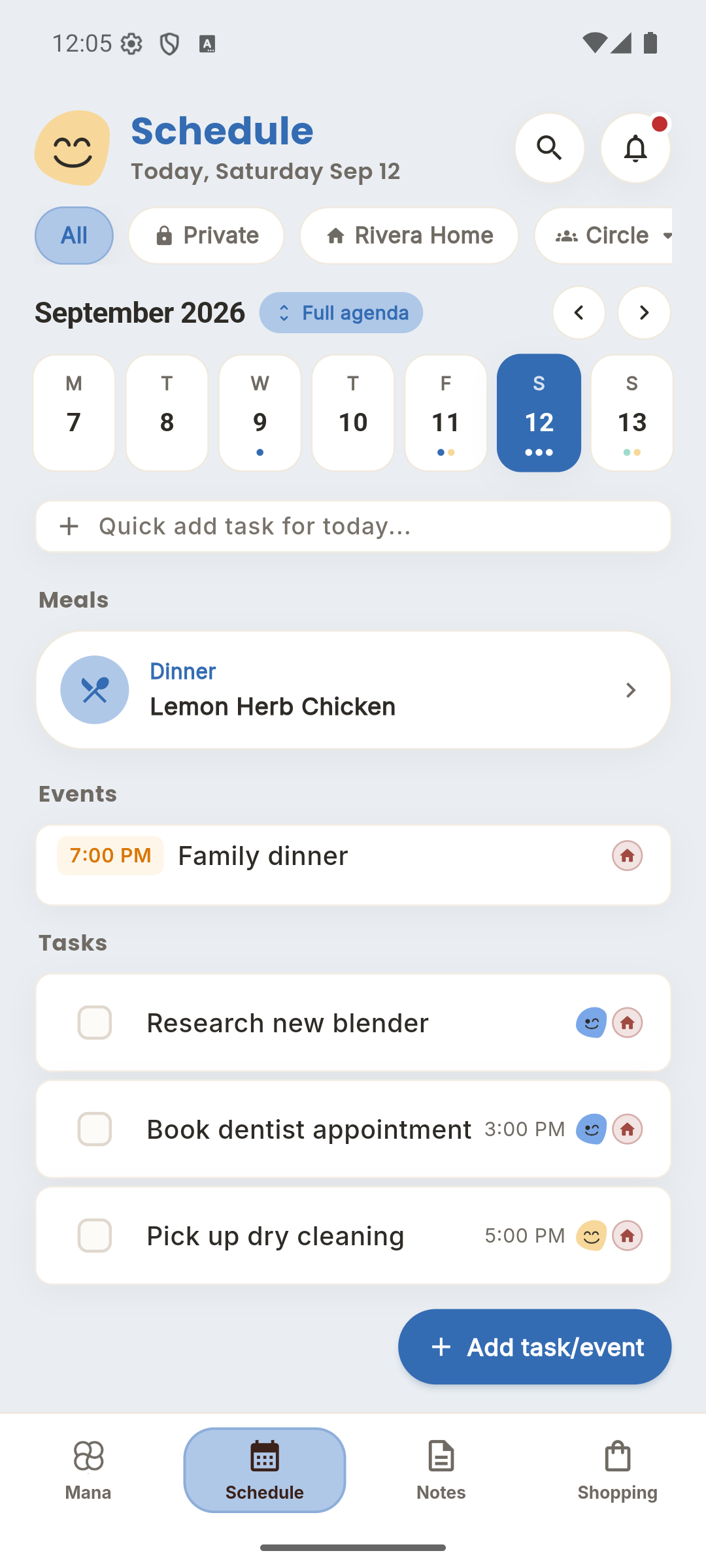
Plan a few dinners you can actually make.
Pick simple meals for busy nights and leave room for leftovers or a change of plan. Put the meals in Schedule so the household can see what's planned without asking the person who usually remembers.
Give favorite recipes a home.
Keep family recipes in Notes instead of scattering them through messages. Use the same space for cooking notes and ideas you want to come back to. Your meal plan can change while the recipe stays easy to find.
Turn the plan into a shared shopping trip.
Check the ingredients you already have, then add what you need to Shopping. Everyone can contribute to the household list. Ask Mana for help planning meals or adding groceries, and review the suggestions against your own preferences.
Start with this week.
- Look at the next few evenings with your household.
- Add three dinner ideas to Schedule and save any recipes in Notes.
- Check your cupboards and put the missing ingredients on the shared shopping list.
A few things to know.
Where is the meal plan in Mana?
Meal plans are in Schedule. Recipes live in Notes, and grocery lists have their own Shopping tab.
Do I have to use the AI assistant?
No. You can manage your schedule, recipes and shopping lists directly. The Mana assistant is there when you want help.
Can the whole household see the plan?
Yes, when you put the plan in the household Circle. Keep other plans in Private or another Circle depending on who needs access.
Bring the rest of the week together.